Events where nothing can go wrong
A client golf tournament, a tasting, a gala or a box at the hockey. Attendu takes care of the hand-picked guest list and every detail of the event.
Try for freeCompanies run their client and VIP events with us, including





From the invitation to check-in, all with Attendu
A personal invitation
No public registration, no form to forward. The guest gets a personal invitation and confirms in one click.
- Personal salutation in the e-mail
- Confirmation in one click
- Registration reachable only from the invitation
The list under control
The list is tuned until the last minute and you need to see the current state at all times.
- RSVPs in real time
- Excused guests and freed spots at a glance
- Custom notes and fields on guests
Plus-ones & preferences
Guests bring plus-ones and have preferences you want to know in advance.
- Plus-ones right in the registration
- Meal and other preferences in the form
- Everything flows to the guest list
Check-in with no queues
No paper lists and no waiting at the door. The first impression is part of the experience.
- Check-in by name or QR
- The hostess sees plus-ones and notes
- Arrivals in real time
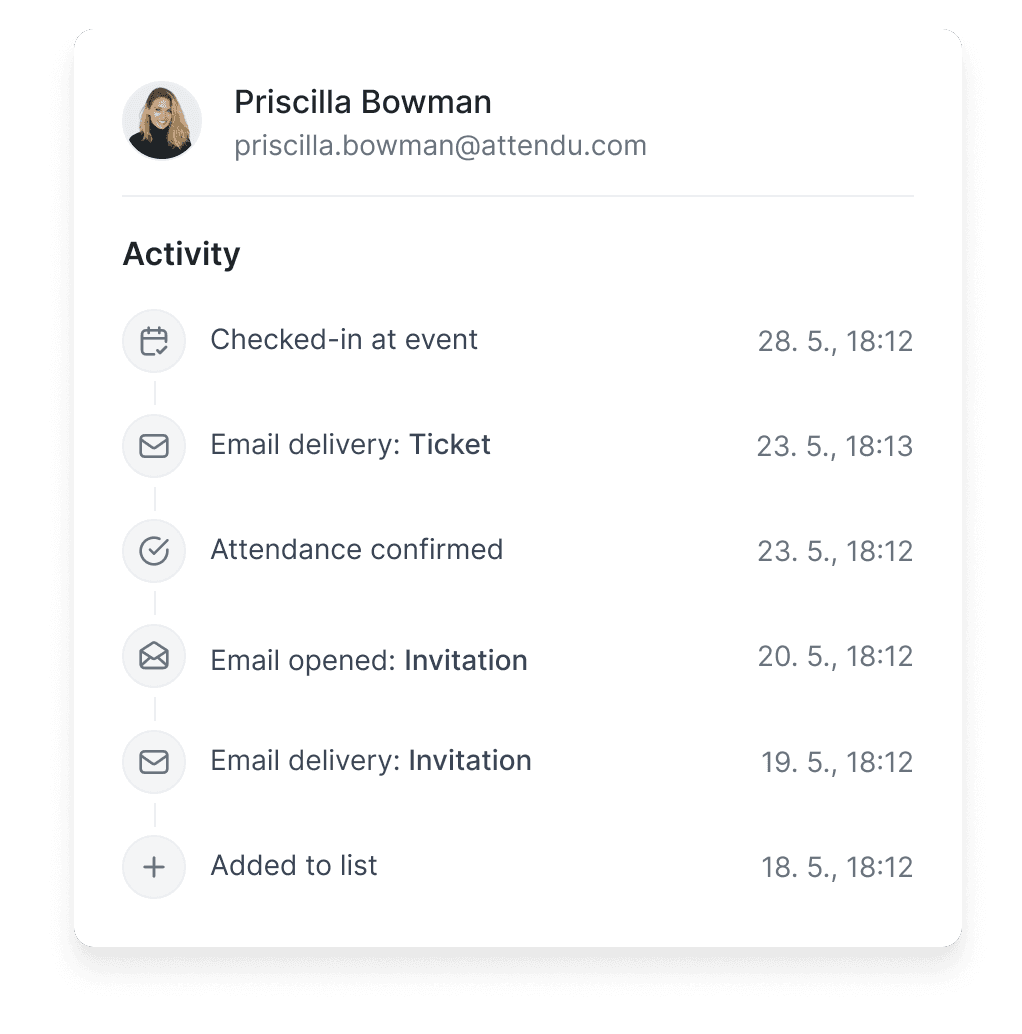
Up-to-date information on every guest
You see confirmations and apologies the moment the guest clicks. When a guest cancels, you can invite someone else in their place right away.

Every guest gets a personal invitation
Mailings handle personal salutations and content by guest group. The gala invitation for partners looks different from the one for the board.
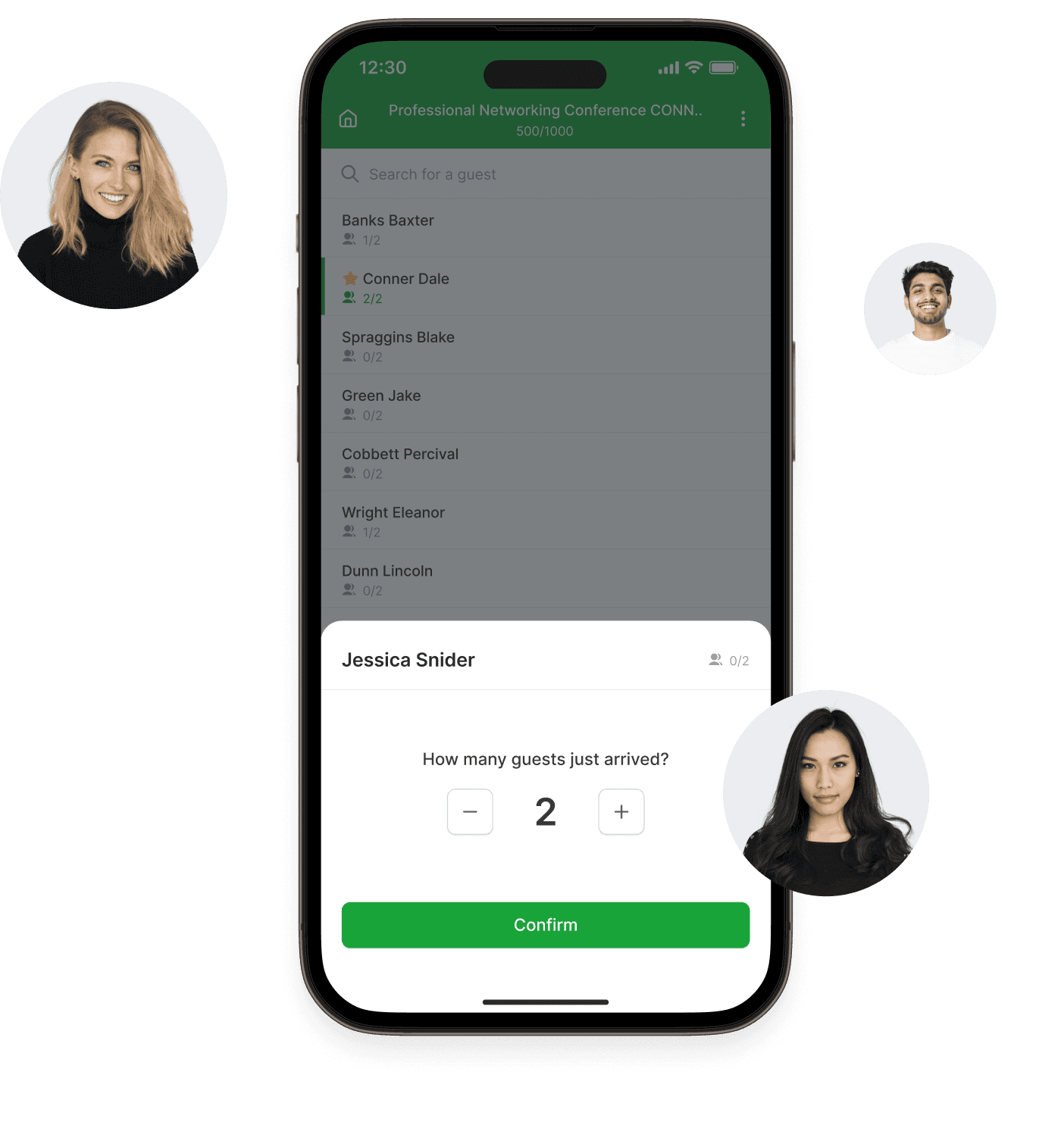
Check-in without queues or paperwork
The hostess checks the guest off by name and sees the plus-one and the table number. Everything important is always in one place.
Frequently asked questions
When a guest apologizes, you see the freed spot immediately and can send the invitation to the next person in line.
No. Every guest receives a personal invitation and sees only their own registration.
Yes. The guest adds a plus-one right in the registration and you see them on the list and at check-in.
You add them to the list on the spot, right from the check-in app.